



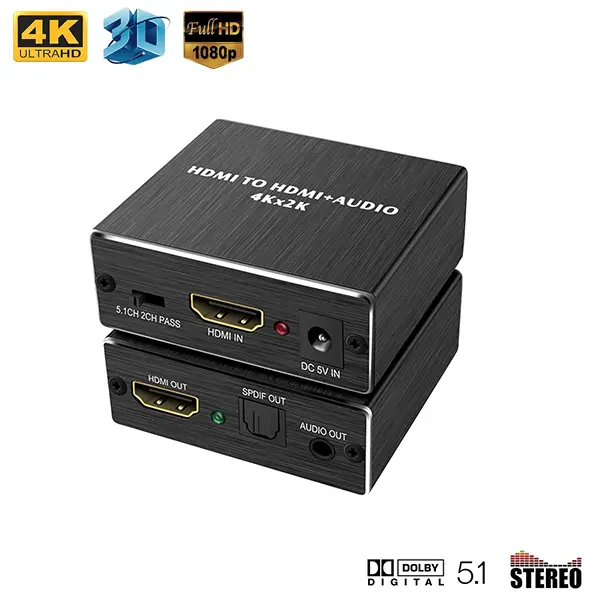
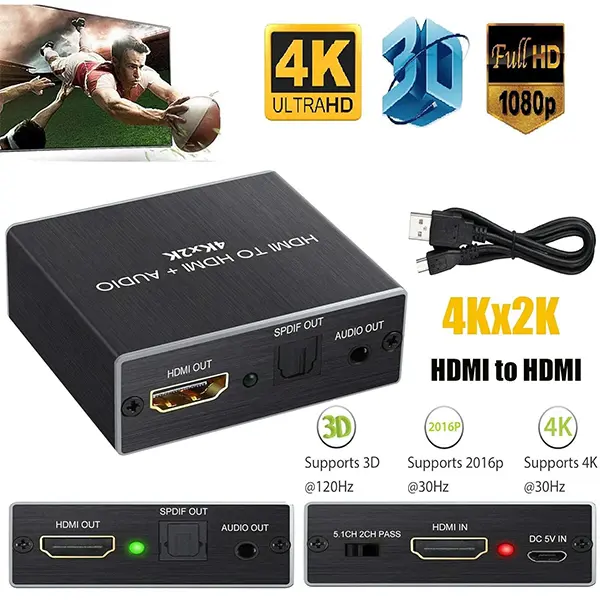
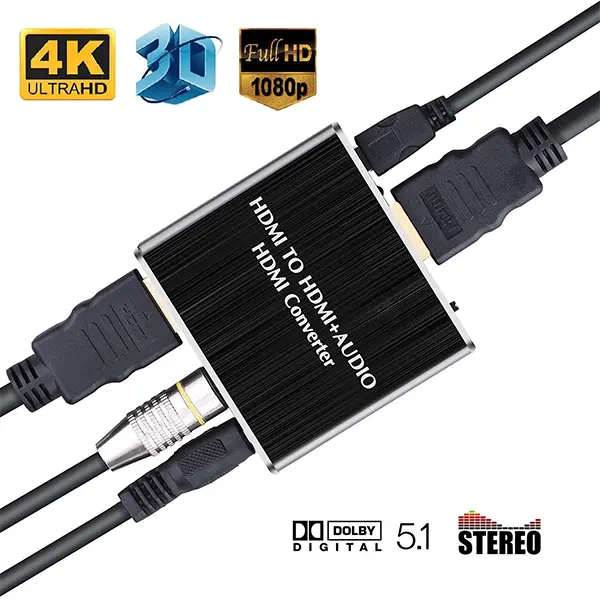




HDMI to HDMI Audio Extractor Optical and 3.5mm Stereo Audio Output
Get high-quality audio output with the HDMI to HDMI Audio Extractor from ido.lk. Perfect for Roku, Blu-ray, PC, Xbox, HDTV, android boxes, and more.
Ever been stuck trying to get audio out of your HDMI device without the need for a TV or monitor? That’s where Audio extractors come in handy. With these nifty gadgets, you can effortlessly separate audio from video, unlocking the full potential of your sound system.
What is an HDMI Audio Extractor?
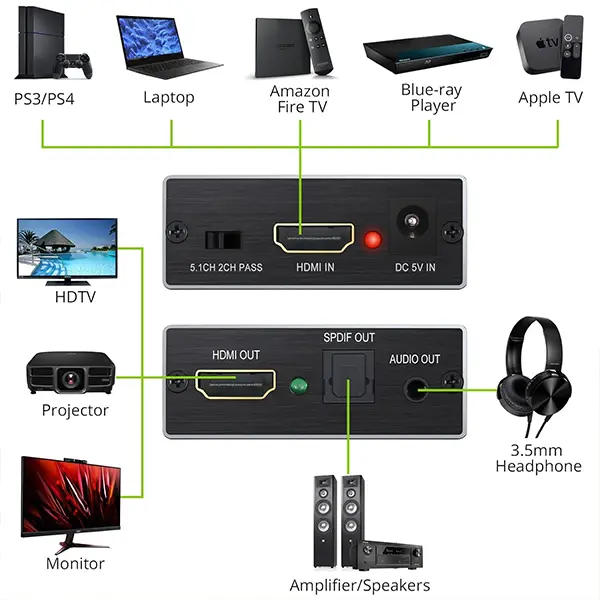
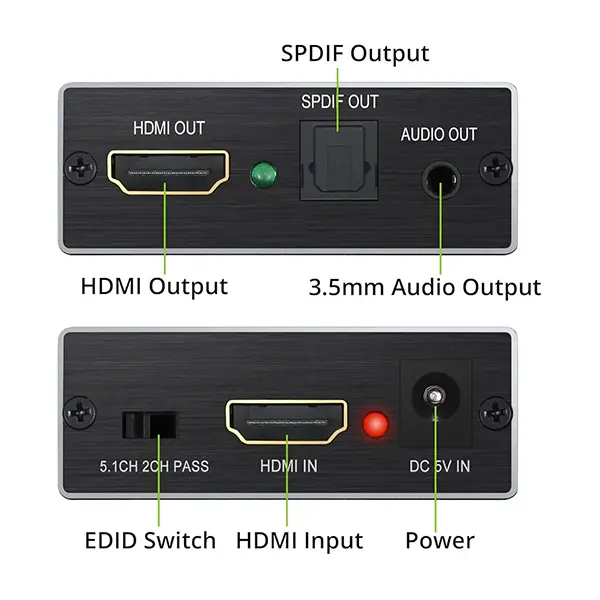
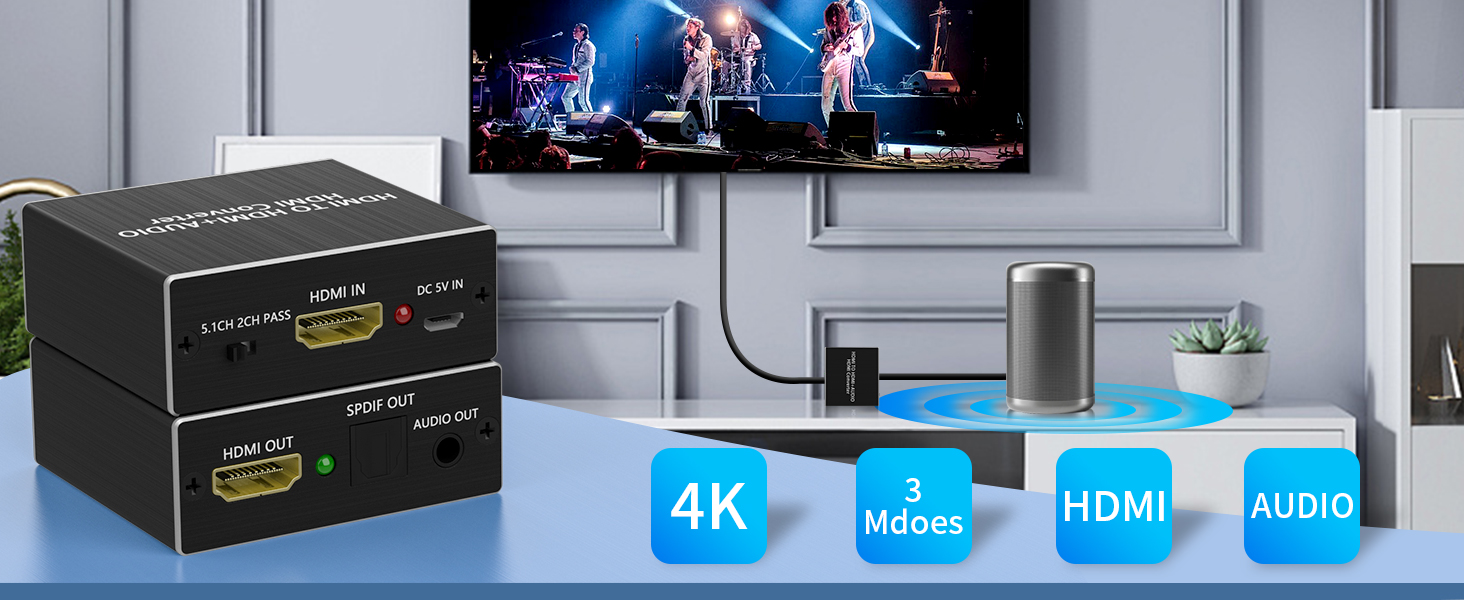
An HDMI audio extractor is a small device designed to split audio and video signals from an HDMI source. It typically features one HDMI input, an HDMI output for video, and dedicated audio outputs like SPDIF (optical) or RCA. This allows you to send high-quality audio to your speakers or AV receiver without disrupting the video stream.
Audio Output Options
- Optical SPDIF: Perfect for high-definition audio.
- RCA (3.5mm): Ideal for older sound systems or headphones.
Key Benefits
- Flexibility in Audio Setup: Allows you to connect audio devices separately.
- Compatibility: Works seamlessly with HDMI devices like Blu-ray players, gaming consoles, and streaming devices and many more.
How to Use an HDMI Audio Extractor
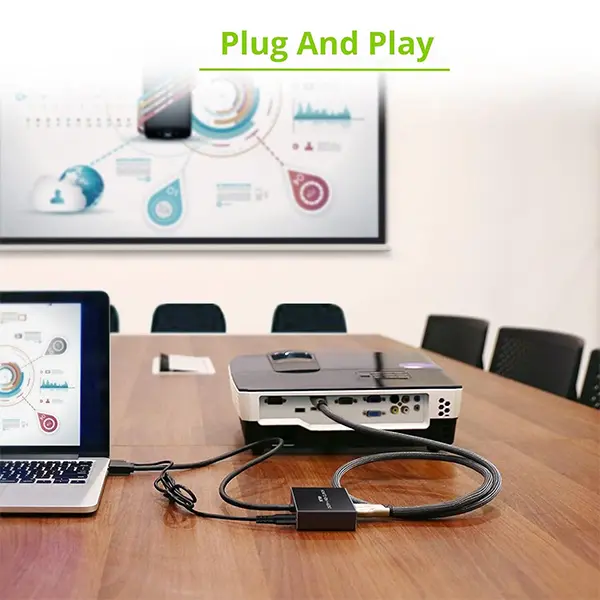
Step-by-Step Installation Guide
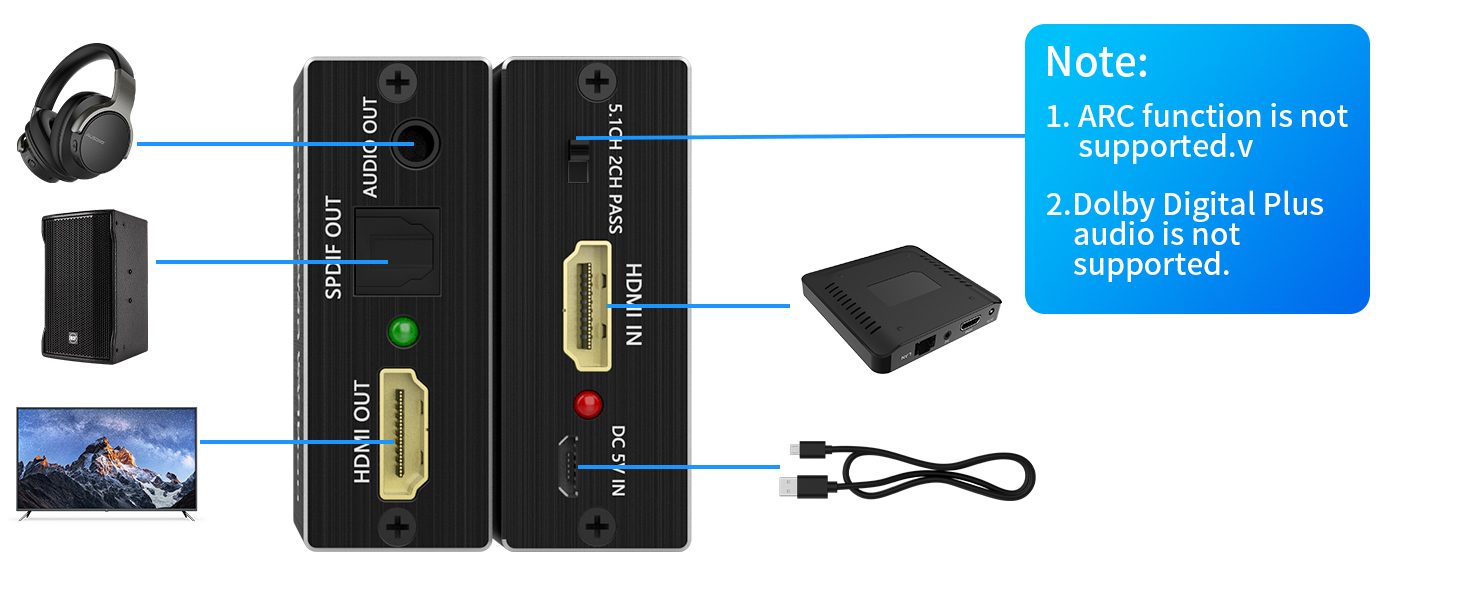
- Connect the HDMI source (e.g., Blu-ray player) to the extractor.
- Attach the HDMI output to your TV or monitor.
- Link your sound system to the audio outputs (SPDIF or 3.5mm).
- Power up and adjust settings as needed.
The Role of EDID Settings
What are EDID Settings?
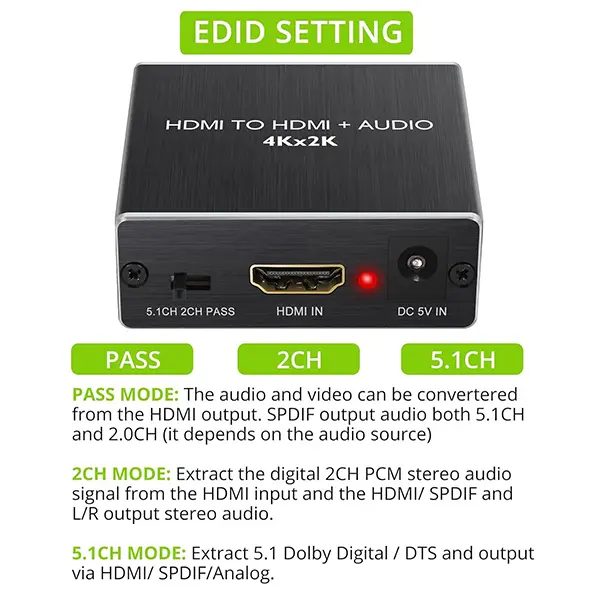
EDID (Extended Display Identification Data) helps devices communicate and optimize output formats. It offer three customizable settings for added control.
Three Customizable EDID Modes
- Pass-through: Maintains original audio quality.
- 2CH: Downmixes to stereo for basic sound systems.
- 5.1CH: Provides surround sound for immersive experiences.
FAQs About HDMI Audio Extraction
- What devices can I connect to an HDMI audio extractor?
Most HDMI source devices, including gaming consoles, Blu-ray players, and streaming devices. - Do I need a TV or monitor connected to use an extractor?
No, many extractors allow you to output audio without needing a connected display. - Can I get surround sound with an extractor?
Yes, if your extractor supports 5.1CH or higher. - Are extractors compatible with 3D video?
Yes, provided your devices support 3D. - How do I choose the right HDMI audio extractor?
Look for features like EDID settings, compatibility, and the type of audio outputs you need.



There are no reviews yet.